Our New Mobile App is Coming Soon!
Interested in trying out our new mobile app for iPhone or Android as soon as it comes out? Subscribe to our email newsletter below to receive an update as soon as we launch.
Follow us!


October 22, 2026
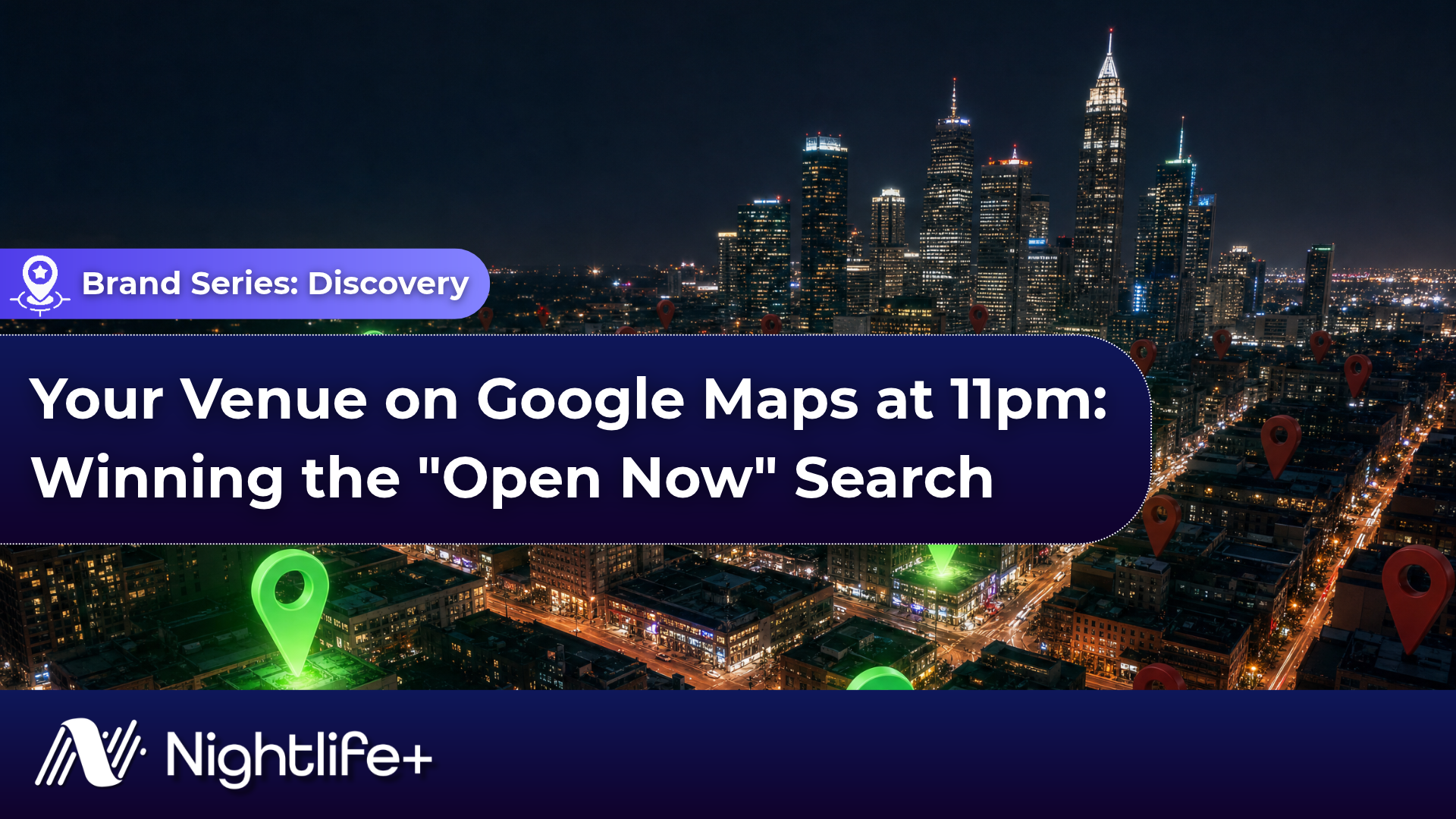
Your Venue on Google Maps at 11pm: Winning the "Open Now" Search
It's 11pm on a Friday. Four people are standing outside a restaurant they just left, phones out, typing "bars open now" or "clubs near me." Within five minutes they'll be in a line somewhere. That decision happens on Google Maps, on a profile that's easy to set up once and forget. Google's Business Profile playbook says businesses with complete profiles receive seven times more clicks. The venues that win the late-night search are the ones whose profiles are accurate, complete and easy to act on. Here's how to be one of them.
Why the 11pm Search Is a Different Search
A Tuesday-afternoon search for "best cocktail bars" is research. An 11pm search is a decision. The guest is close by, on their phone, often deciding for a group, and ready to walk in now.
Google says local results are ranked mainly on three things: relevance (how well your profile matches the search), distance (how far you are from the searcher) and prominence (how well known you are, which Google says is influenced by your reviews and ratings). Google also says businesses with complete and accurate information are more likely to show up in local results.
Late at night, the first thing a guest needs to know is whether you're open. Google's Business Profile playbook cites a stat that 96% of customers are more likely to visit a business that displays its hours of operation.
What this means in practice: you can't control distance, but you can control almost everything else on your profile.
1. Get Your Hours Right, Especially After Midnight
Google calls accurate hours essential for customer trust. If yours are wrong at 11pm, nothing else on your profile gets a chance.
Enter late closing times carefully. If you close after midnight, set your regular hours so the closing time reflects that, then check how your profile displays on a phone.
Use special hours for every exception. Holidays, event nights, early closures and extended-hours nights all belong here. Google limits each set of special hours to 24 hours, so a night that runs past midnight is entered as two sets: one to midnight on the first date, and one from midnight on the next date. Special hours replace that next day's regular hours, so re-add any regular hours you still need.
Confirm holiday hours even when they don't change. Google recommends confirming your hours on holidays even if they match your regular schedule, so customers know they're accurate. Halloween, New Year's Eve and long weekends are when this matters most.
Use "More hours" for specific services. Google lets you list hours for specific services separately from your main hours, with happy hour as one of its examples. Google notes these should generally fall within your regular hours.
Leave closed days unchecked. In your hours settings, any day you don't check isn't listed as open. If you're dark Monday to Wednesday, make sure your profile says so.
Watch for edits you didn't make. Anyone can suggest changes to your listing, including your hours. Google will notify you and give you four days to accept or reject a suggestion. If nobody responds, Google may publish it if it's supported by other public information, such as your website, and some changes can go live without any notice. That's one way a listing ends up with the wrong hours on a Saturday night. Make sure someone on your team gets those notifications and answers them within four days, and check your profile weekly for changes you didn't make.
2. Choose Categories and Attributes That Describe What You Are
Google says your primary category tells it your core business, and that categories help customers find accurate, specific results. You can add up to 10 categories in total: one primary and nine secondary.
Google's guidelines are specific about how to choose:
- Pick what your business is, not what it has. A nightclub that serves food is a nightclub. A restaurant with a small bar is a restaurant.
- Use as few categories as possible to describe your core business, and choose the most specific option that fits.
- Don't add categories for a neighbouring or co-located business.
Then fill in every attribute that applies. Google says attributes, such as outdoor seating, appear on Search and Maps and help customers find businesses with the features they need.
3. One Venue, Two Concepts: Handling a Split Identity
Plenty of the best rooms are two businesses in one: a restaurant that becomes a club at 11pm, or a rooftop bar above a basement room. Google wants one accurate profile for each business, so the first decision is whether you have one concept or two.
One concept, two dayparts. If it's the same business with the same name and entrance, keep one profile and make the night visible on it.
- Choose the primary category that describes your core business, and add secondary categories only where they genuinely apply.
- Use "More hours" for services like happy hour, so guests see the hours that matter to them.
- Split your photos between both experiences, and lead with the one that drives more revenue.
- Use event posts to promote the late-night program, so it isn't buried under a dinner menu.
Two genuinely separate concepts. Google's guidelines say public-facing departments that operate as distinct entities should have their own profile. They typically have their own name, their own customer entrance and distinct categories. A rooftop bar with its own street entrance and brand can qualify. A dance floor at the back of the restaurant usually doesn't.
What to avoid: creating a second profile for the same business just to show up in more searches. Google's rule is one profile per business, and Google reserves the right to suspend profiles that violate its guidelines.
4. Photos That Show the Night, Not the Empty Room
Photos are one of the clearest wins in Google's Business Profile playbook. It says businesses that add photos to their profiles receive 42% more requests for directions on Google Maps and 35% more clicks through to their websites, and that 90% of people are more likely to visit a business with photos on Search and Maps.
The guest is trying to answer one question: is this the right room for us tonight? Show them.
- Lead with the room at its best: full, well lit and clearly at night.
- Show the experience they're choosing: the dance floor, a table with bottle service, the bar mid-rush, the DJ booth, the patio.
- Keep it current. A renovation from two years ago or a closed rooftop in your photos sets the wrong expectation.
- Add new photos regularly. Google's playbook says regularly updated profiles get five times more views.
If you already work with a photographer for events, build a Google Maps shot list into every booking.
5. Reviews: Ask Every Guest, and Reply
Google says your number of reviews and your ratings influence prominence, one of its three ranking factors. That makes reviews a system worth running, not something to leave to chance.
- Ask every guest, and make it easy. Google's policy prohibits discouraging negative reviews or selectively asking only happy customers for positive ones, so the ask has to go to everyone. Google lets you generate a QR code that links straight to your review page; put it on receipts, menus and table cards. Table and guestlist guests are already in your system, so add the same review link to the follow-up message every booking gets.
- Never offer anything in exchange. Google's policy also prohibits offering incentives, such as discounts or free drinks, for posting a review.
- Reply to reviews, good and bad. Google recommends responding to reviews, and its playbook cites a stat that 65% of consumers are more likely to choose a business that responds.
- Handle the hard ones calmly. A composed, factual reply to a negative review shows every future guest how your team handles problems.
6. Popular Times: The Signal You Don't Write
Google shows a "Popular times" graph for businesses that get enough visits, and live visit data that updates in real time over that graph. It's built from aggregated, anonymized data from users who have opted in to Google Location History, and you can't add or change it yourself. But guests see it at exactly the moment they're deciding.
A room that's visibly busy at 11:30pm is social proof you couldn't buy.
The graph is also useful data for you. Google says it reflects average popularity over the past few months, with each hour compared to your typical weekly peak. That shows when your night actually starts filling, how your nights compare across the week, and which off-peak nights need a reason to come in early. Treat a flat Thursday curve as a programming problem, not a marketing one.
7. Make the Next Step One Tap
Winning the search is only half the job. The guest still has to act.
- Add reservation links. Google lets you add up to 10 reservation links to your profile. Connecting a supported booking partner adds a "Book now" button, so guests can book straight from your profile. A group of six deciding at 11pm wants to know they'll get in before they walk over.
- Post tonight's event. Google offers event posts with a title and start and end times, and recommends posting at least once a week. Use them to show who's playing, the theme, and whether there's a cover.
- Answer the phone at night. Your profile has a call button, and Google tracks every tap on it. If guests call during service, someone should pick up.
- Link to a page that works on mobile. Your website link should load fast and point to tonight, not your homepage from last season.
8. Measure It Like Any Other Channel
Google's Performance report shows what your profile is actually doing. It includes:
- Views: how many people viewed your profile on Search and Maps.
- Searches: the search terms people used to find you, updated monthly.
- Calls: how many times customers tapped the call button.
- Directions: how many people asked for directions to your venue.
- Website clicks: how many times people clicked your website link.
- Bookings: how many bookings people completed.
Treat those numbers like any other revenue channel. Direction requests are the closest thing to a walk-in signal. Search terms show which searches you're actually appearing for, and whether your categories are doing their job. Compare period over period, and after every change you make. If you updated your photos and direction requests didn't move, you've learned something too.
The 15-Minute Weekly Checklist
None of this needs an agency. It needs one person who owns it, every week.
- Confirm this week's hours, and add special hours for any event, holiday or early close
- Respond to any suggested edits, and check for changes to your hours or details you didn't make
- Post this weekend's events and lineups
- Upload new photos from last weekend, taken at night
- Reply to every new review
- Check that your reservation link, phone number and website link all work on mobile
- Look at your Popular times graph and note which nights need a push
- Review the Performance report: views, searches, calls, directions, website clicks and bookings
- Search "bars open now" or "clubs near me" from your block at 11pm and see what a guest sees
That last one is the most useful 30 seconds you'll spend all week.
Get in Front of Guests Who Are Ready to Book with Nightlife+
Thousands of nightlife guests already use Nightlife+ to decide where they're going tonight. They aren't scrolling for inspiration. They open the app to pick a venue, book a table or get on a guestlist.
Nightlife+ is the nightlife app for locals and travelers across 19+ cities, including Toronto, Miami, Ibiza, Bangkok and Tokyo. When your venue is listed, you're in front of that audience at the moment they're choosing.
- VIP table bookings. Guests request and book bottle service directly in the app, bringing high-value groups to your door.
- Guestlist inquiries. Guests submit their names for your guestlist, so your team knows who's coming before the night starts.
- More walk-ins. Not every guest books ahead. Plenty simply spot your venue on the app's map nearby, see what's on, and walk through the door.
- Discovery by travelers. Visitors planning a night out in your city find your venue before they land.
- A profile built for nightlife. Your music, vibe, venue type and what's on tonight, presented the way nightlife guests actually decide.
More table bookings, a fuller guestlist, more walk-ins and guests who arrive already committed to your night.
Get your venue listed on Nightlife+ →
Sources
- How to improve your local ranking on Google
- Understand Google updates on your Business Profile
- How to set special hours
- How to set More hours
- Edit your business hours
- Guidelines for representing your business on Google
- About popular times, wait times and visit duration data
- Understand your Business Profile performance and insights
- Add links to your Business Profile
- Create a post for your Business Profile
- Maps user-contributed content policy
- Google Business Profile best practices playbook 2026 (PDF)